SparkingSteel
Sparking Steel is a VR game in which you control a giant robot inside its cockpit. Using the GearVR, a compatible Samsung Phone and a Bluetooth controller you can battle against the opponent robot as you tower across buildings.
This game was developed for my final year college project using Unity (in C#) for the game engine, physics, effects and AI. Blender was used to build the models and animations.
Click the below image for a youtube video demo (This is footage from an earlier build. Video Not VR compatible)
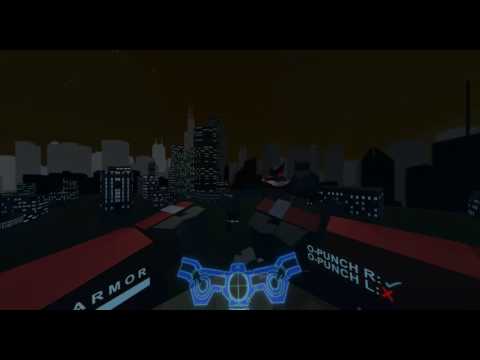 ]
]
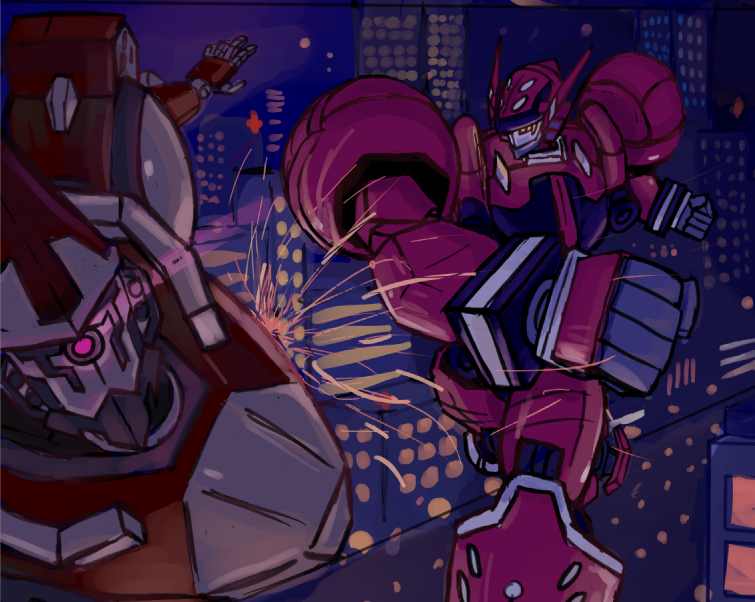
A poster image drawn using SAI and Photoshop
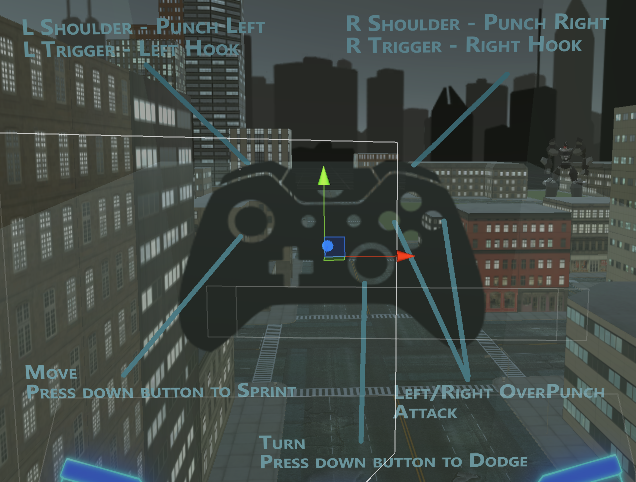
The controls. This is displayed for a short period of time in the cockpit when the game is first booted up
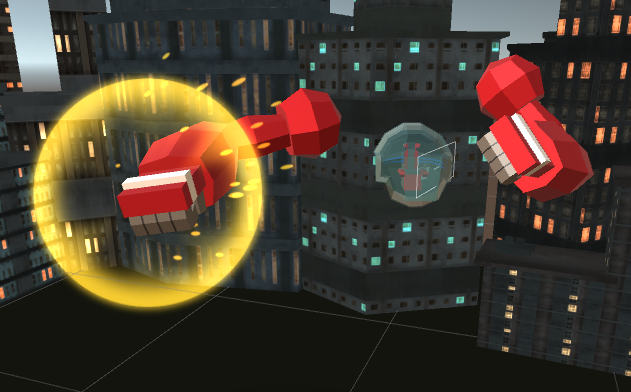
The player’s robot is only partially rendered as the inside of the cockpit and the arms are all the player sees! This was done to save space on the phone’s memory as well as to not use excess phone resources (especially for a demanding game like this which also needs to run smoothly to ensure it is comfortable to play)
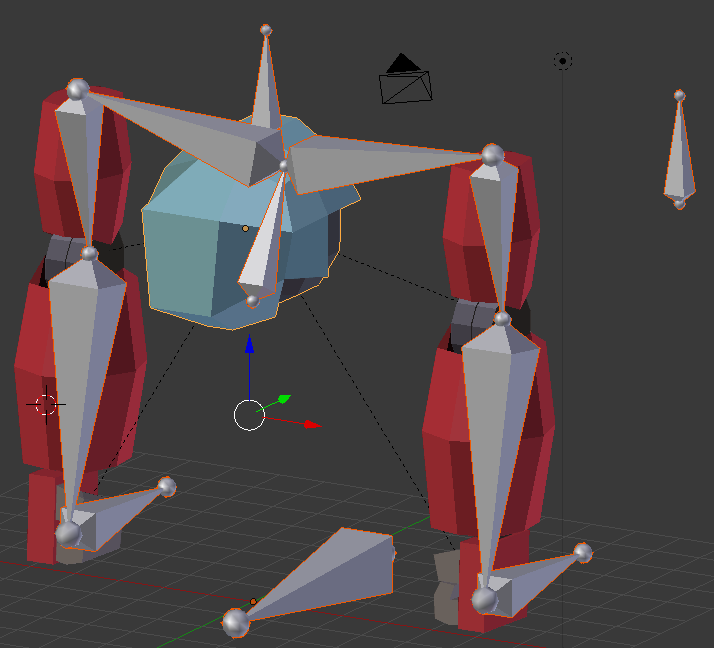
Building the model and animation skeleton of the player robot in Blender
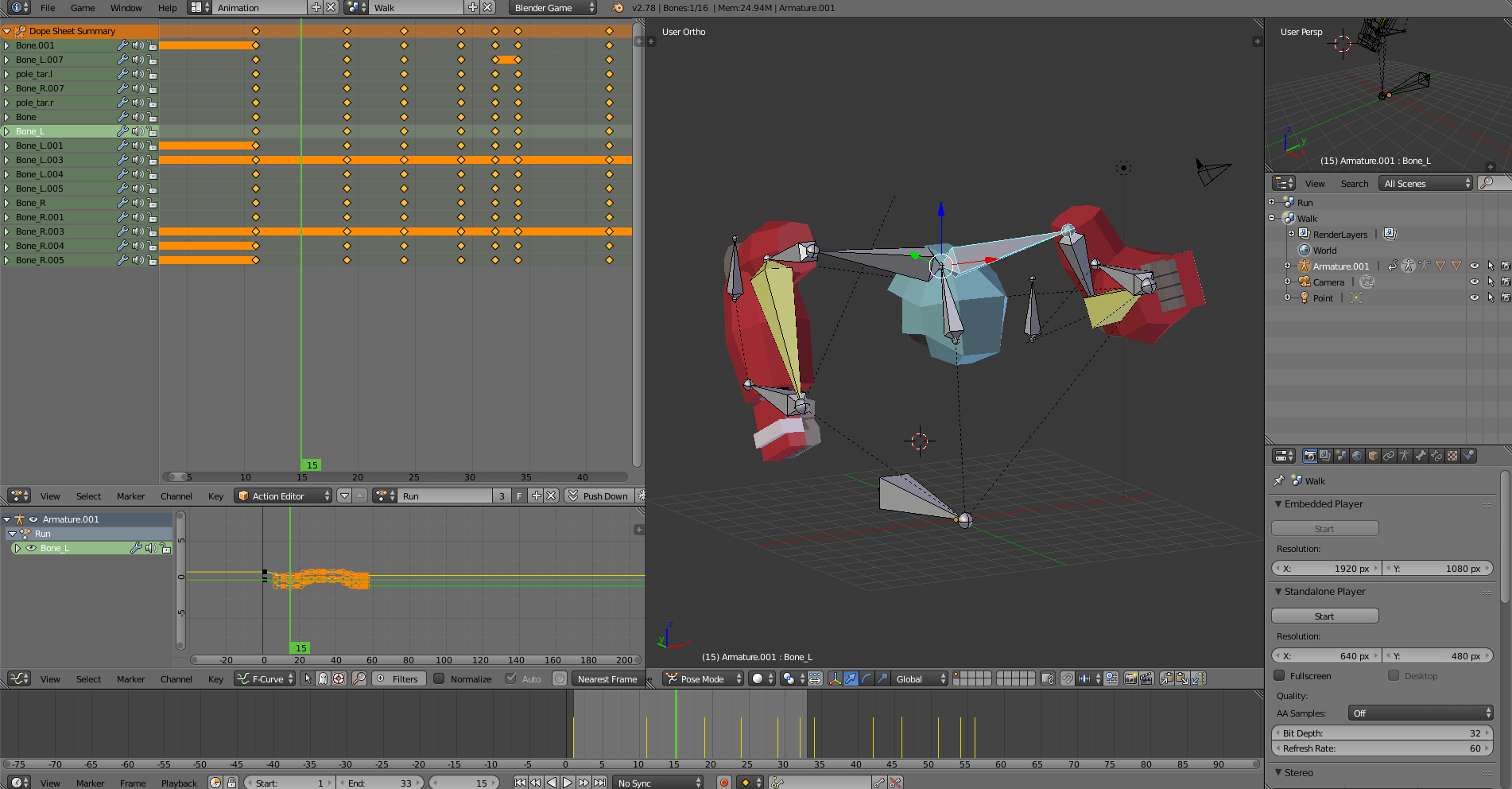
Animating the player robot. Conveying a sense of weight and energy in movements is important!
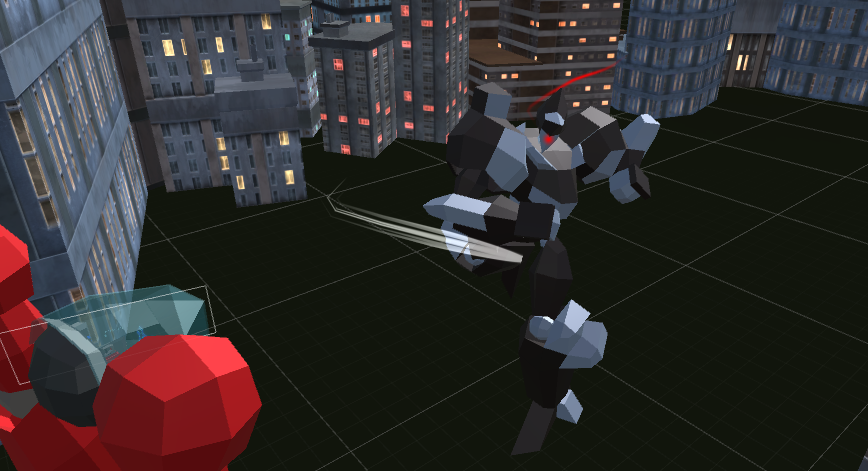
The Opponent mech. Also animated and modeled in Blender. I programmed its AI to follow the player and choose its actions based on the distance it is from the player and the current state it is in (Running, Walking, Countering the Player’s moves)
Setup
If you are playing the game on the Unity editor, you will not be able to properly control the game with a Keyboard. An Xbox 360 mapping type controller should be used
Assets/ButtonAnimations.cs Controls the majority of the Player Mech’s functionality
Assets/EnemyAI.cs Controls the majority of the Enemy AI
Assets/PlayerHealth.cs Manages and updates the player’s health
Assets/EnemyHealth.cs Manages and updates the enemy’s health
Assets/OVR/Scripts/Util/OVRPlayerController.cs A script which came with the Oculus Unity package. Has been modified to include the dodging functionality refered to as “dash” within the code. Properties have also been changed to get the desired speed, turning speed etc. from the controls.
Assets/Plugins/Android/Assets An oculus sig file must be placed here for your own personal phone if you want to run a build of this project from the Unity Editor on your device